A helmet camera can collect dust, sweat, rain, and vibration during a ride, so regular care helps keep its lens clear and its controls reliable. Charging and cleaning also need care: a wet port, damaged battery, or incompatible charger can create a problem that a wipe-down will not fix. Before attaching or using any camera, check the helmet maker’s instructions and the rules for your riding activity; a camera must not interfere with helmet fit or protection. If you are comparing a helmet camera for horse riding, consider maintenance and safe use alongside recording features. This guide covers cleaning, battery charging, storage, and when to stop using a camera or accessory. Cleaning equipment is easier to inspect before the next ride.
Read the camera and battery instructions
Camera designs differ in water resistance, battery type, charging method, and whether the battery can be removed. Read the camera, battery, charger, and mount instructions before cleaning or connecting power. Do not assume that an older phone charger, cable, or adapter is compatible. Use only the charging equipment and method approved by the camera maker.
Check whether the camera can be charged with its battery installed and whether a port cover must be closed during use. If a device has been exposed to rain, sweat, or a wash, follow the drying instructions before charging. A model described as water resistant may still have ports or seals that need protection.
Clean the camera after a ride
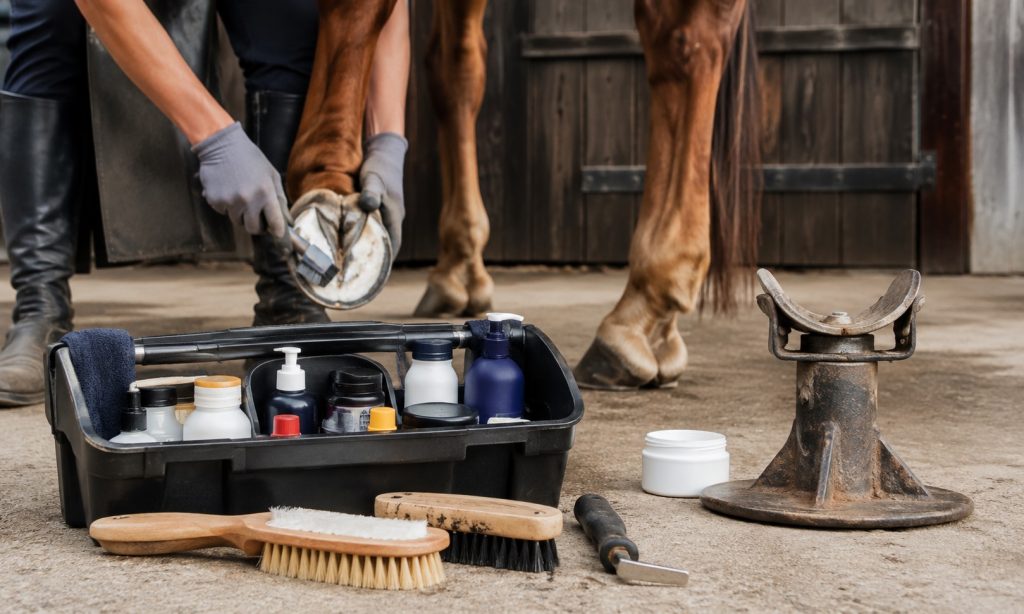
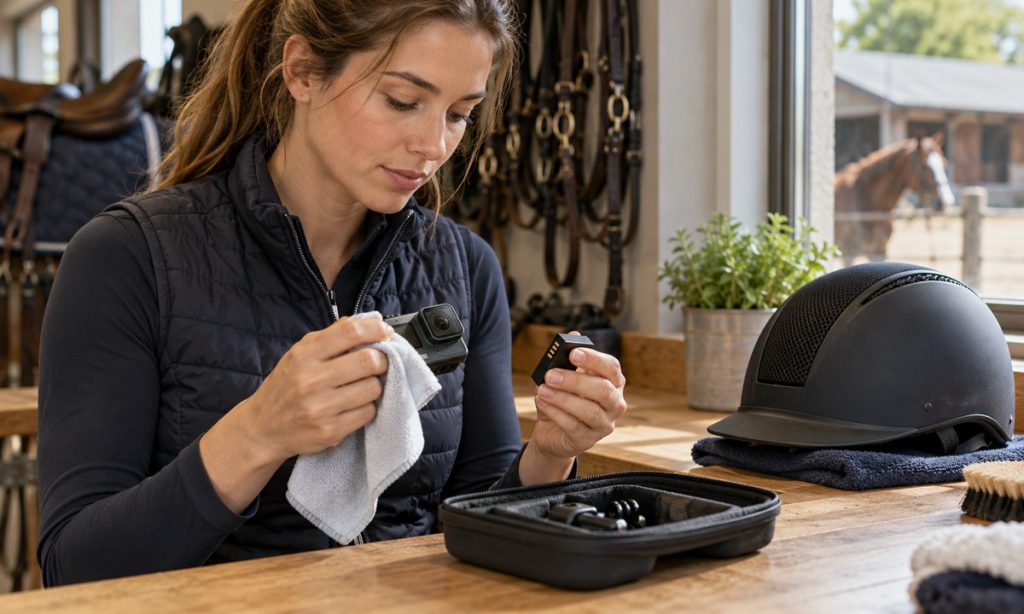
Turn the camera off and detach it from the mount before cleaning. Remove loose dust with a soft brush or clean, dry cloth. Wipe the body gently, keeping liquid away from ports, seams, microphones, speakers, and buttons. Use a lens cloth for the lens; gritty fabric or paper towels can scratch the surface.
If the manufacturer allows a damp cloth, use it sparingly and dry the camera fully afterward. Do not spray cleaner directly onto the camera, immerse it, or use solvents, abrasives, or household disinfectants unless the manual specifically allows them. If dirt is packed into a port or button, do not dig it out with a metal tool. Use the maker’s approved cleaning method or arrange service.
Check the lens cover, seals, doors, and port covers for dust, hair, or damage. Close covers fully before exposure to water or dirt. If a seal is torn or a housing has cracked, do not rely on water resistance until the manufacturer has assessed it.
Inspect the battery and charging equipment
Before charging, look for a swollen, leaking, dented, unusually hot, or damaged battery and for frayed cables, bent connectors, or cracked adapters. Do not use a damaged battery or cable. Keep charging equipment dry and away from hay, bedding, feed, and other combustible materials. Charge in the location and conditions specified by the maker, with the camera visible and away from horses and children.
Do not charge a wet or hot camera. Let it cool and dry according to the manual. Connect the approved cable without forcing the plug. Stop if the camera, battery, or charger becomes unusually hot, smells burnt, makes a sound, or behaves erratically. Disconnect power safely and contact the manufacturer for advice.
Do not puncture, crush, open, or modify a rechargeable battery. Do not leave it in direct sun, a hot vehicle, or freezing conditions if the instructions prohibit those temperatures. Follow local rules and the maker’s guidance for battery recycling or disposal; do not put a damaged battery in ordinary trash.
Check the mount separately from the helmet
Inspect the camera mount, fasteners, straps, adhesive, and safety tether for cracks, fraying, looseness, or residue that prevents secure attachment. Clean the mount only as directed and allow it to dry before reassembly. Replace damaged parts with compatible components rather than improvising with tape, cord, or an unapproved adhesive.
A camera and mount can change how a helmet behaves in an impact. Follow the helmet manufacturer’s guidance and current rules for the discipline, event, barn, or jurisdiction. Some governing bodies prohibit cameras on helmets or riders during certain activities. If the helmet maker does not approve the attachment, do not mount the camera to that helmet; use another recording position allowed by the applicable rules.
After cleaning or charging, verify the helmet still fits and its straps and retention system work as intended. Never drill, cut, or modify a helmet to attach a camera. Do not use a helmet that has sustained a significant impact; follow the manufacturer’s replacement guidance.
Store the camera dry and ready
Store the camera, battery, cable, and mount in a dry, dust-free place at the temperature range listed in the manual. Keep the lens covered when practical and avoid leaving the camera loose with metal tools that can scratch it. Remove the battery for long-term storage only if the instructions recommend that step.
Keep a simple maintenance note with the date, cleaning performed, charging concerns, and any impact or water exposure. Before the next ride, confirm the camera starts, records, and has enough power while you are on the ground. Do not troubleshoot settings while mounted or riding, and do not allow filming to distract from horse handling.
Know when to stop using the camera
Stop using the camera if the battery swells, the housing cracks, a port will not close, the mount loosens, the camera overheats, or the unit has been involved in a hard impact. Remove it from service and contact the maker or a qualified repair provider. Do not use damaged equipment because it still turns on.
Treat a camera as recording equipment, not protective equipment or a substitute for supervision, training, or safe riding practices. Public rider discussions describe different opinions about helmet versus chest placement, but personal reports do not establish that a mount is safe for a particular helmet or activity.
If the camera was used in dusty or wet conditions, check that the memory card is seated and the recording indicator, buttons, and charging cover work normally after the unit is fully dry. Transfer important footage before formatting a card, and follow the camera instructions for file handling. Do not disassemble the housing to reach debris inside; a damaged seal can affect protection against moisture.
Frequently Asked Questions
Can I charge a helmet camera after it gets wet?
Wait until it is dry and follow the camera maker’s instructions. Do not charge a wet device or battery.
Can I clean the lens with a paper towel?
Use a clean lens cloth and the manufacturer’s method. Paper can hold grit that scratches the lens.
Can I use any USB charger?
Use only a charger and cable approved for that camera and battery.
Is it safe to attach a camera to every riding helmet?
No. Check helmet manufacturer guidance and activity rules. Do not attach a camera if it is not permitted or could affect the helmet.
What should I do with a swollen battery?
Stop using or charging it. Keep it away from people and combustibles and follow the manufacturer’s and local disposal guidance.
Final Words
Clean the camera gently, keep ports and batteries dry, use the approved charging method, and inspect the mount and helmet before use. Stop using damaged or unusually hot equipment, and follow camera and helmet instructions for storage and replacement. When selecting a helmet camera for horse riding, remember that recording convenience does not establish helmet compatibility. Check current activity rules and prioritize a properly fitting, unmodified helmet and attentive riding.